How to Find Your TV's VESA Pattern (Look Up or Measure)
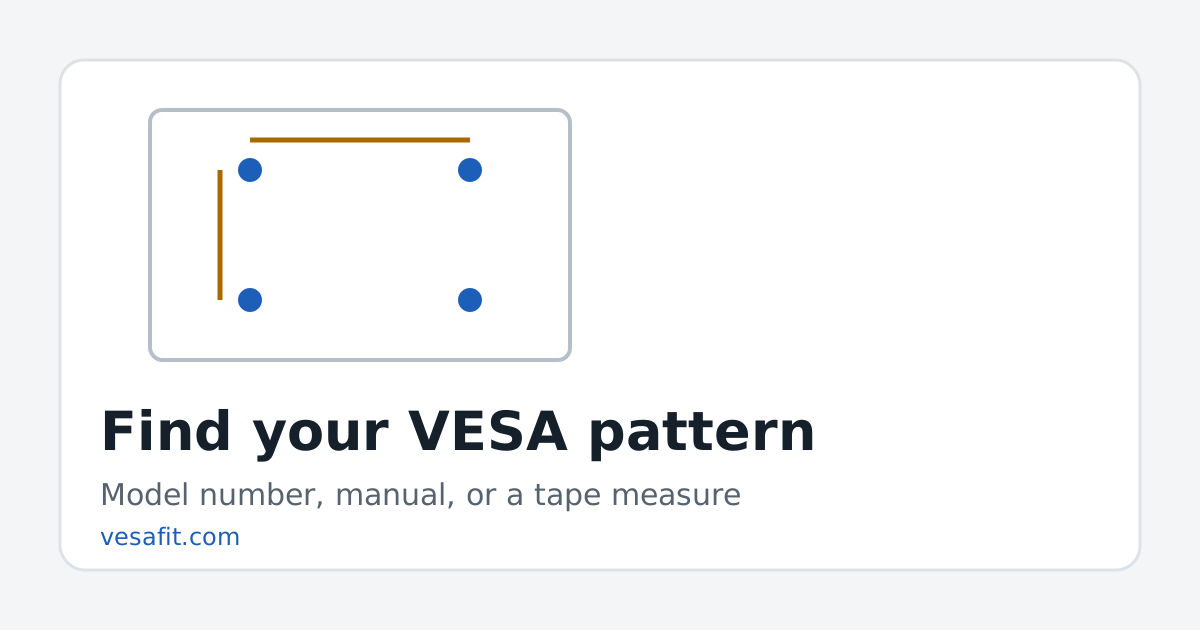
To find your TV's VESA pattern, look up the model number on the maker's spec page (or in the manual), or measure the distance between the four mounting holes on the back in millimetres, width first then height. The result, such as 300 x 300 or 400 x 300, is the one number a wall mount has to match.
Step 1: find the model number
The model number is on a label on the back of the TV and usually in the settings menu under "About" or "Support". It is a code like QN65S95HAFXZA, OLED77C5PUA or K65XR70M2, not the marketing name. The size is normally the two or three digits in it — 65, 77 — which is a useful check that you have the right code.
Step 2: look it up
The fastest route is the model finder: type the model number and it shows the pattern and weight read from the maker's own product page, with a link to that page. VESA Fit currently lists 187 LG, Samsung, Sony and TCL models.
If your TV isn't there, the maker's product page lists the pattern under specifications, usually as "VESA", "Wall mount pattern" or "Mounting interface". The manual lists it too, often with the screw size. A few designs show no pattern at all; those use the maker's own bracket.
Step 3: or measure it
If you can't find the number, two measurements give it to you.
- Lay the TV face down on a soft, clean surface, or work behind it while it stands.
- Find the four threaded inserts — metal-lined holes, often with screws already in them. Ignore the stand's screw holes, which are usually lower and closer together.
- Measure centre to centre between the two top holes, in millimetres. That is the width.
- Measure centre to centre from a top hole to the one below it. That is the height.
- Round to the nearest standard pattern.
| What you measured (mm) | Pattern | Common on |
|---|---|---|
| about 100 x 100 | 100 x 100 | 27- and 32-inch HD TVs, monitors |
| about 200 x 200 | 200 x 200 | 32- to 65-inch budget and mid-range sets |
| about 300 x 200 | 300 x 200 | Many LG and Samsung OLEDs, 43 to 77 inches |
| about 300 x 300 | 300 x 300 | 48 to 77 inches; the most common pattern here |
| about 400 x 300 | 400 x 300 | Mostly 65- and 75-inch sets |
| about 400 x 400 | 400 x 400 | Above all 75-inch sets |
| about 600 x 400 | 600 x 400 | 85- to 100-inch sets |
On this site, 300 x 300 is the most common pattern (34 of the 174 TVs with a published pattern), followed by 400 x 300 (28) and 200 x 200 (27). The full list is on the VESA patterns page.
Read it the right way round
Width comes first. A 400 x 300 TV needs a mount that reaches 400 mm across and 300 mm down; a mount whose largest pattern is "300 x 400" in portrait terms would be the wrong shape. Mount boxes print a range — "200 x 100 to 600 x 400" — and your TV fits when both of its numbers sit inside that range. The mount checker does the comparison.
Size doesn't predict the pattern
It is tempting to assume all 65-inch TVs share a pattern. They don't. Among the 65-inch models listed here there are six: 300 x 300 on 13 models, 400 x 300 on 10, 300 x 200 on 7, 400 x 400 and 200 x 200 on 3 each, and 400 x 200 on one. Within a single product line the pattern often changes between sizes, so a mount bought for a friend's 65-inch may not reach your 75-inch. The 65-inch page lists them all.
Then check the screws and the weight
The pattern tells you where the holes are, not what goes in them. Small patterns (up to 200 x 100) use M4 screws under the VESA standard; larger ones use M6 or M8. The screw-size guide covers lengths and spacers. Weight is the other half of the match: the mount's rating must be at least the TV's weight without its stand, which the model pages list.
Find your TV's VESA pattern first and the rest of choosing a mount — range, weight, wall fixings — follows from it.
Sources
- Manufacturer product pages (LG, Samsung, Sony, TCL) for every pattern quoted, checked 2026-10-20; see the methodology.
- Wikipedia, Flat Display Mounting Interface — patterns and screw sizes in the VESA standard.
Questions
Where is the VESA pattern written on a TV?
Usually in the specifications on the maker's product page and in the manual, listed as VESA, wall mount or mounting interface, for example 300 x 300 or 400 x 300 mm. Some TVs also print it on a label on the back.
Which number comes first?
Width, then height: the horizontal distance between hole centres, then the vertical. A 400 x 300 pattern is 400 mm across and 300 mm down.
What if my measurement is not a round number?
Measure centre to centre, not edge to edge, and in millimetres. A reading within a few millimetres of a standard pattern such as 300, 400 or 600 is that pattern.
My TV has no holes. Can I wall mount it?
Some designs, such as wallpaper-thin and transparent models, ship with the maker's own bracket instead of VESA holes. Only that bracket fits; check the box or the maker's accessories.
Does the same size always mean the same pattern?
No. Among the 65-inch TVs on this site there are six different patterns, so look up the exact model or measure.