VESA Screw Sizes: M4, M6 or M8 and How Long?
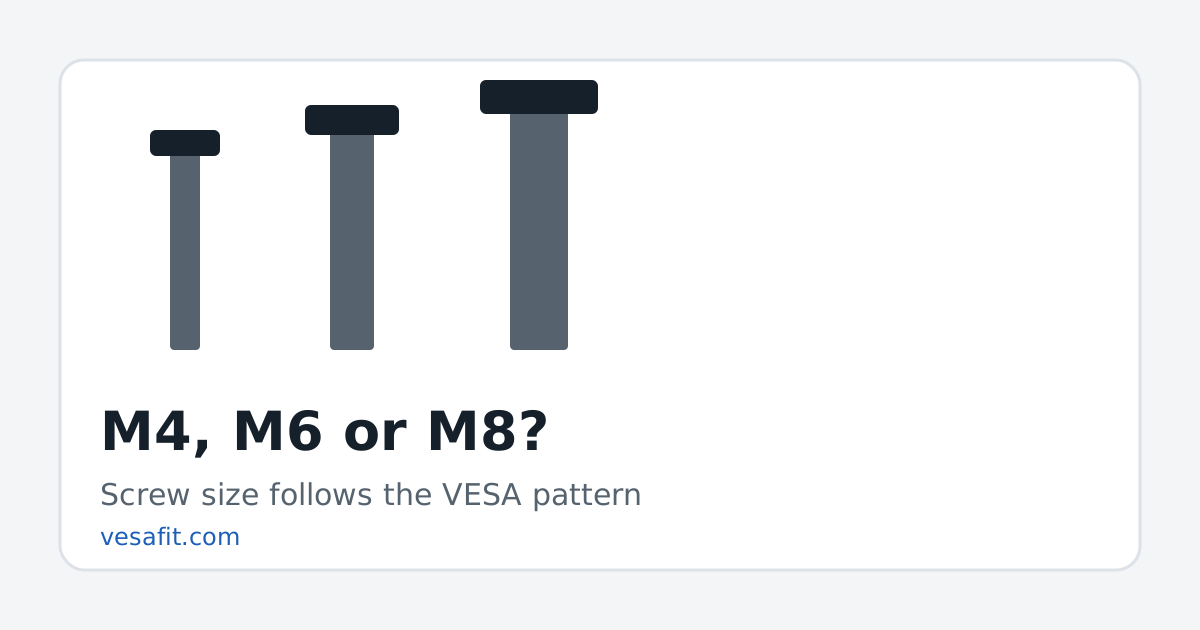
VESA screw sizes follow the pattern: M4 machine screws for small patterns up to 200 x 100 mm, and M6 or M8 for the large-display patterns most TVs use. The length is the bracket's thickness plus the depth the TV allows, which is why every mount kit ships with a bag of screws and spacers.
What the standard says
The VESA Mounting Interface Standard groups patterns into parts. The small ones use one screw size; the large-display part allows two.
| VESA part | Patterns (mm) | Screws | Typical use |
|---|---|---|---|
| D | 75 x 75, 100 x 100 | M4 | Monitors, small TVs |
| E | 200 x 100 | M4 | Mid-size displays |
| F | 200 x 200 up to 1000 x 1000 (square) | M6 or M8 | Large displays |
"M" sizes are metric thread diameters: an M4 screw is 4 mm across the thread, M6 is 6 mm, M8 is 8 mm. They are not interchangeable, and they are not the same as the imperial screws in a hardware-store assortment.
Many current TVs use rectangular patterns such as 300 x 200, 400 x 300 and 600 x 400, which aren't in the standard's square table. They still use large-display screws, and mounts are sold by the range of patterns they accept, so they mount like any other pattern of that size. See the VESA patterns page for every pattern in use.
Which one is your TV?
Start with the pattern (how to find it).
- 100 x 100 and smaller: M4, per the standard.
- 200 x 200: the bottom of the large-display range; check the manual, as small TVs at this pattern vary.
- 300 x 300 and 400 x 400: M6 on the TCL and Hisense spec tables we read (for example, TCL's 65-inch QM7K and Hisense's 65-inch U8QG).
- 600 x 400 and larger: M8 on the TCL spec tables we read, for its 85-inch and larger sets.
Those are observations from a few makers, not rules. The TV's manual lists the screw for its own inserts, and the maker's figure is the one to use. Makers publish this inconsistently online — one maker's page we read listed what looked like the stand screws next to the mount pattern — so this site does not repeat per-model screw sizes, and neither should you rely on a third-party list for them.
Getting the length right
The standard's rule for length is simple: the screw must be as long as the bracket is thick, plus the depth the TV's insert allows. For M6 screws in the large-display part, that engagement must be at least 9 mm and at most 10 mm, and the insert itself may be no deeper than 12 mm.
In practice:
- Thread a screw in by hand, without the bracket, until it stops — gently. Note how far it went.
- Add the bracket's thickness (and any spacer). That is the longest screw you can use.
- Pick a screw from the kit that is a few millimetres shorter than that, so it engages fully without bottoming out.
A screw that is too long can press against the panel behind the insert; one that is too short strips the thread under load. If no screw in the kit fits, a hardware store sells metric machine screws by length — take one of the TV's screws or a note of the thread with you.
Spacers and curved backs
Many TVs are thicker at the bottom than the top, or have bulges, cable ports or a curved shell around the mounting holes. Spacers hold the bracket's arms flat and clear. When you add a spacer, use a longer screw by exactly the spacer's thickness, so the depth inside the TV stays within the limit above.
Weight matters as much as screws
Screws hold the TV to the bracket; the mount's rating and the wall fixing hold the bracket to the wall. Check that the mount's rating covers the TV's weight without stand — the model finder lists it — and fix the mount into studs or masonry with the hardware the mount maker specifies. The wall-mount guide walks through it.
Get the VESA screw size and length right and the rest of the install is straightforward.
Sources
- Wikipedia, Flat Display Mounting Interface — parts, patterns, M4/M6/M8 screws, the screw-length rule and the M6 engagement limits.
- Manufacturer product pages for current patterns, checked 2026-10-20; see the methodology.
- Screw observations: TCL QM7K product page (M6 at 300 x 300, M8 at 600 x 400 and larger) and Hisense 65-inch U8QG product page ("VESA 400 x 400 (M6)"), checked 2026-10-20.
Questions
What screw size does a VESA mount use?
The VESA standard specifies M4 machine screws for small patterns (up to 200 x 100 mm) and M6 or M8 for the large-display patterns. Many current TVs with 300 x 300 or larger patterns use M6 or M8; the manual gives the exact one.
How long should the screws be?
The bracket's thickness plus the depth of the TV's insert. For the large-display part of the standard, M6 screws must engage at least 9 mm and at most 10 mm into a hole no deeper than 12 mm. Too long can damage the panel.
What are spacers for?
They hold the bracket clear of a curved or uneven back, or of cables and bulges around the holes. Longer screws go through the spacer, so the engagement depth inside the TV stays the same.
Can I use the screws that came with the mount?
Usually, yes. Mount kits include several sizes and lengths; choose the ones that match your TV's thread and engage fully without bottoming out.
How do I tell M6 from M8 if I have no manual?
Try an M6 screw by hand. If it wobbles or won't catch, try M8. Never force a screw; a crossed thread can strip the insert.